
QQMail6.4.5 - AppGallery
You'll be able to see results in few seconds.
Publisher Description

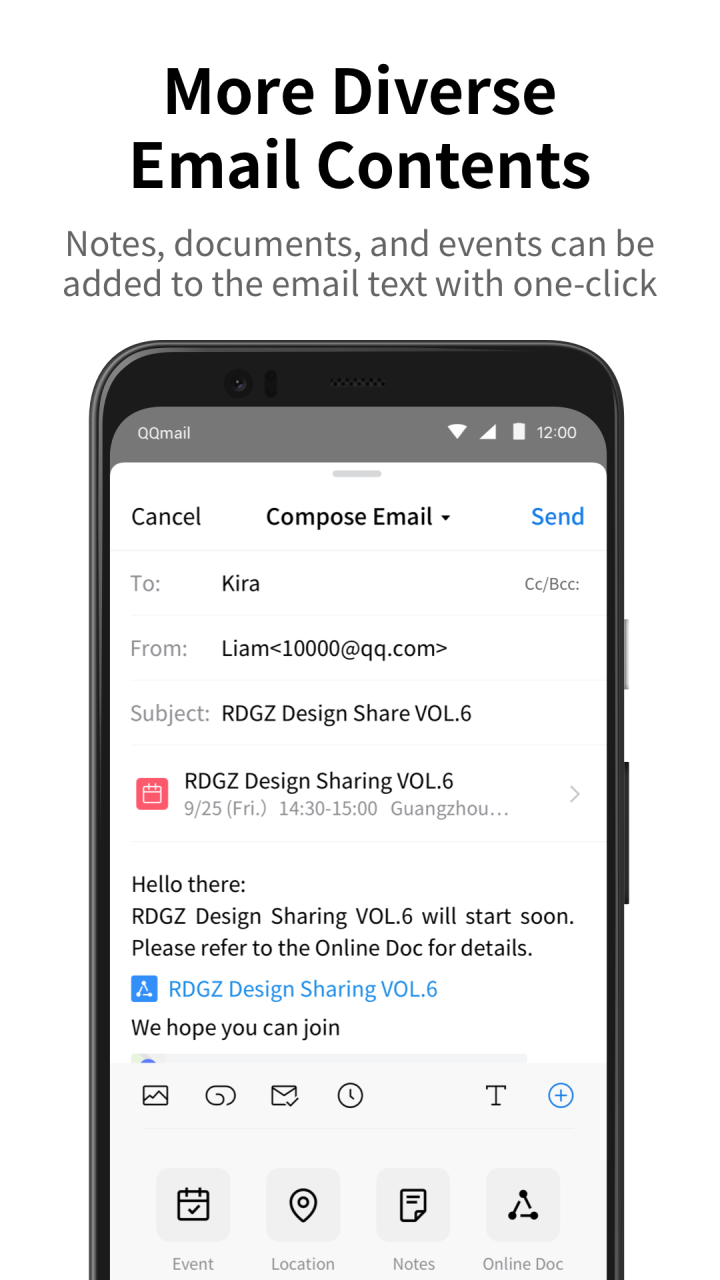
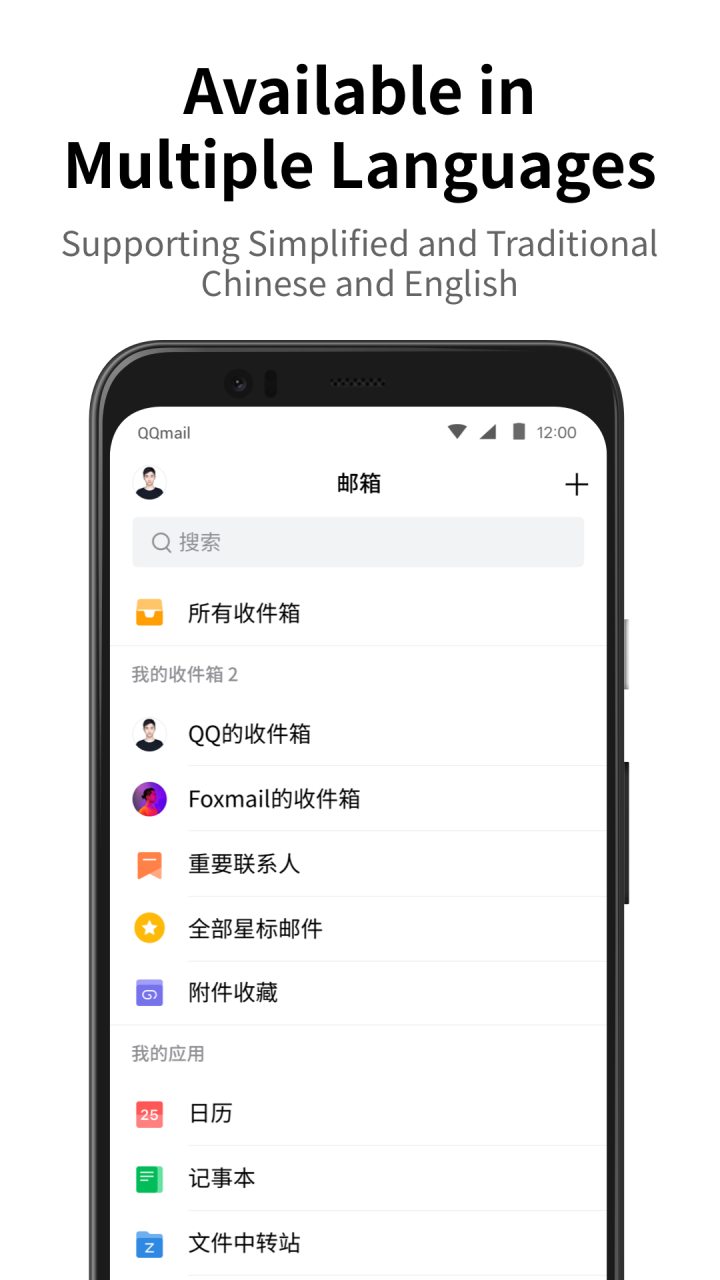
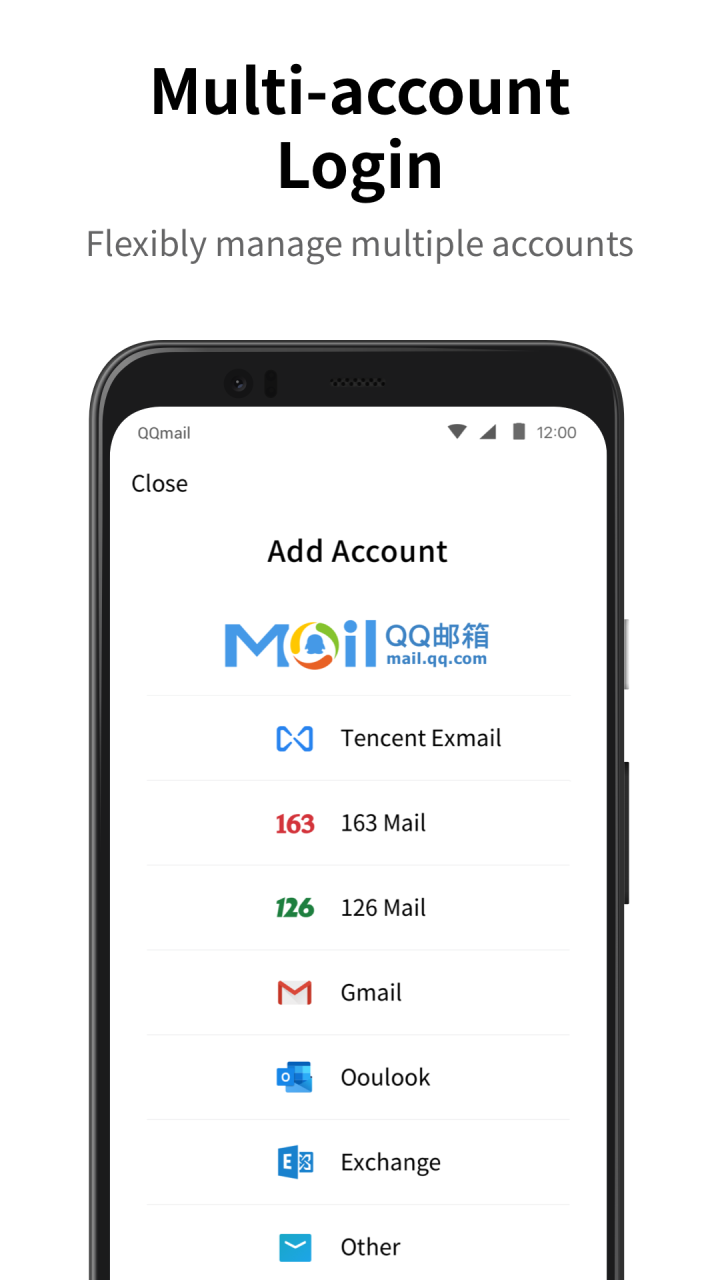
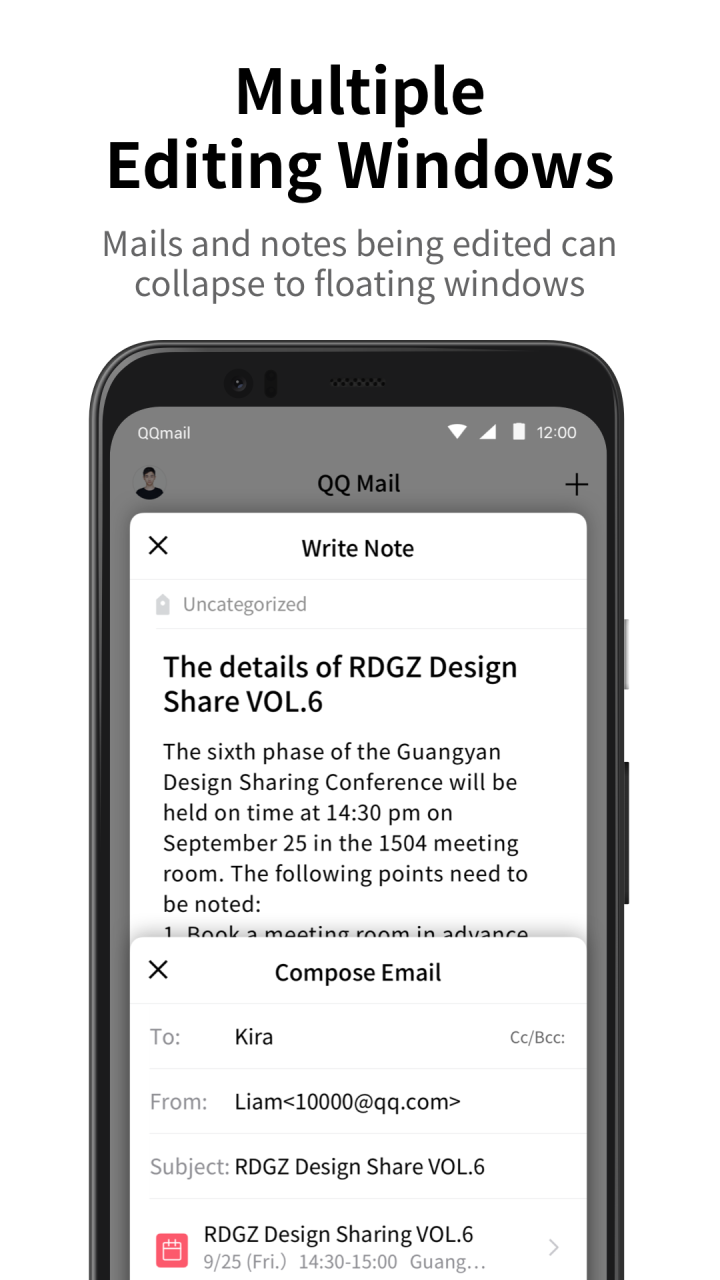
[QQ Mail] Full support for general mail protocols to help you manage all your mailboxes on your phone
[New] Send greeting cards on your phone
[New] Query mail records in Settings
[New] Quick annotation on the screenshot of the mail reading page
[New] Efficient and convenient Contacts
[New] Translate mails in foreign languages into Chinese
Multiple Accounts
· Full support for general mail protocols to allow adding a variety of other mailboxes besides QQ Mail
Sending/Receiving Mails
· Synchronously receive and manage all mails in multiple mailboxes
· Added intelligent aggregation of ad mails
· QQ Mail subscription aggregation and reading experience optimization
· Support online preview of various types of attachments including documents, images, audio and video files, compressed packages, and eml files.
Mail Notification
· Set to enable notifications only for mails from starred contacts
· Set the New Mail Notification option for different email accounts
· Added multiple sound effects for New Email Notification
· Enable Night Mode to mute the notifications for new mails at night
Mailbox Plug-ins
· Enable Calendar to manage events efficiently
· Use Transfer Station for temporary storage of large files on the network
· Enable Notepad to record what you see and think anytime
· Manage contacts and find recent conversations in Contacts
· Select a greeting card to convey blessings to friends
If you have any comments or suggestions, tell us in "Settings" -> "Feedback".
About QQMail
The company that develops QQMail is 广州腾讯科技有限公司. The latest version released by its developer is 6.4.5.
To install QQMail on your Huawei device, just click the green Continue To App button above to start the installation process. The app is listed on our website since 2023-05-31 and was downloaded 0 times. We have already checked if the download link is safe, however for your own protection we recommend that you scan the downloaded app with your antivirus. Your antivirus may detect the QQMail as malware as malware if the download link to C10405418 is broken.
How to install QQMail on your Huawei device:
- Click on the Continue To App button on our website. This will redirect you to Huawei Store.
- Once the QQMail is shown in the Huawei Store listing of your Huawei device, you can start its download and installation. Tap on the Install button located below the search bar and to the right of the app icon.
- A pop-up window with the permissions required by QQMail will be shown. Click on Accept to continue the process.
- QQMail will be downloaded onto your device, displaying a progress. Once the download completes, the installation will start and you'll get a notification after the installation is finished.
Program Details
System requirements
Download information
Pricing
Version History
version 6.4.5
posted on 2023-05-31
Disclaimer
Official AppGallery Link
We do not host QQMail on our servers. We did not scan it for viruses, adware, spyware or other type of malware. This app is hosted by Huawei and passed their terms and conditions to be listed there. We recommend caution when installing it.
The AppGallery link for QQMail is provided to you by apps112.com without any warranties, representations or guarantees of any kind, so access it at your own risk.
If you have questions regarding this particular app contact the publisher directly. For questions about the functionalities of apps112.com contact us.
